
Microsoft office 365
Microsoft 365
Find out how Microsoft 365 can help your business to enable remote working securely and reduce costs.
Chat, call, hold online meetings and collaborate in real time, whether you work remotely or onsite. Get a single, integrated solution that includes Teams, OneDrive cloud storage and Office apps with advanced security options, at a price that suits your business.

E-mail and calendars
Microsoft 365 synchronises email, calendars, and contact information in real time across all your devices to keep them up to date.1 It's easy to plan ahead. And if you lose your phone, don't worry. You can remotely wipe your data to keep your personal information safe.


Stay connected and productive with a clear, unified view of your e-mail, calendar, contacts, files and social networks with Outlook.
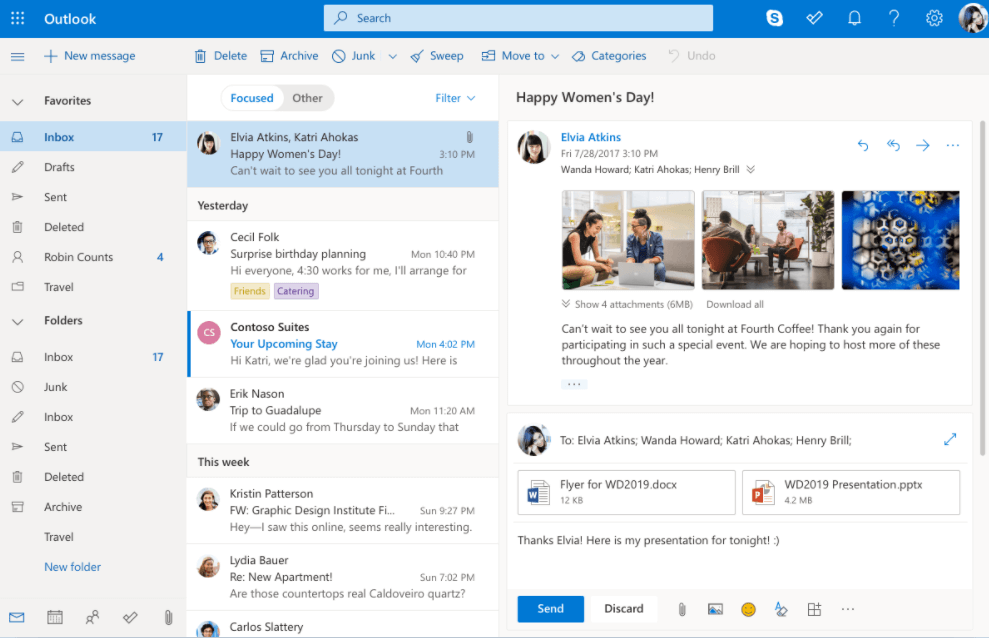
Email, calendar and contacts all in one place
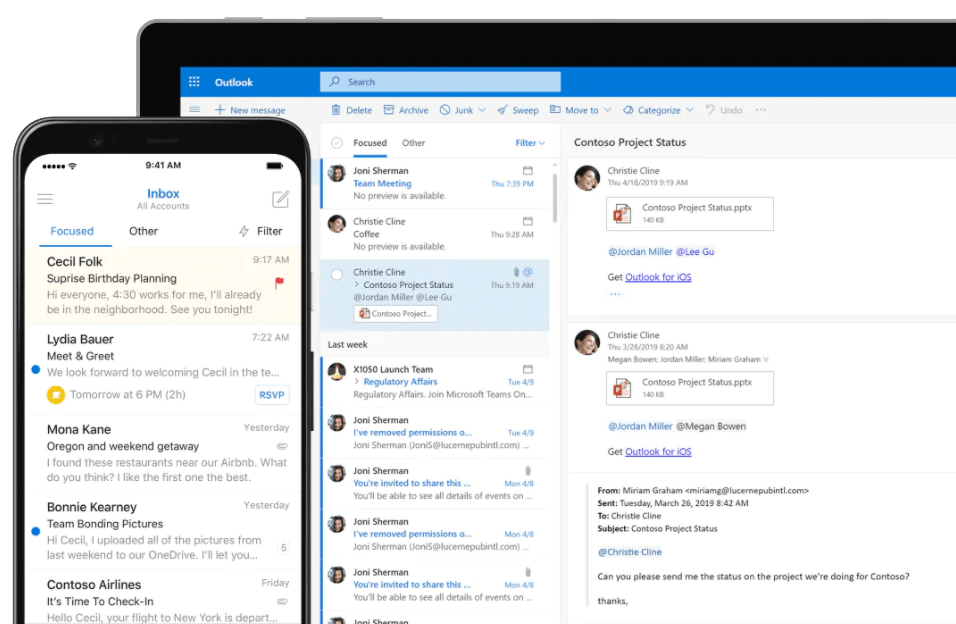
Work more efficiently with email, calendar, contacts, tasks and more, all in one place. With Office integration, you can share attachments directly from OneDrive, access contacts and view LinkedIn profiles.
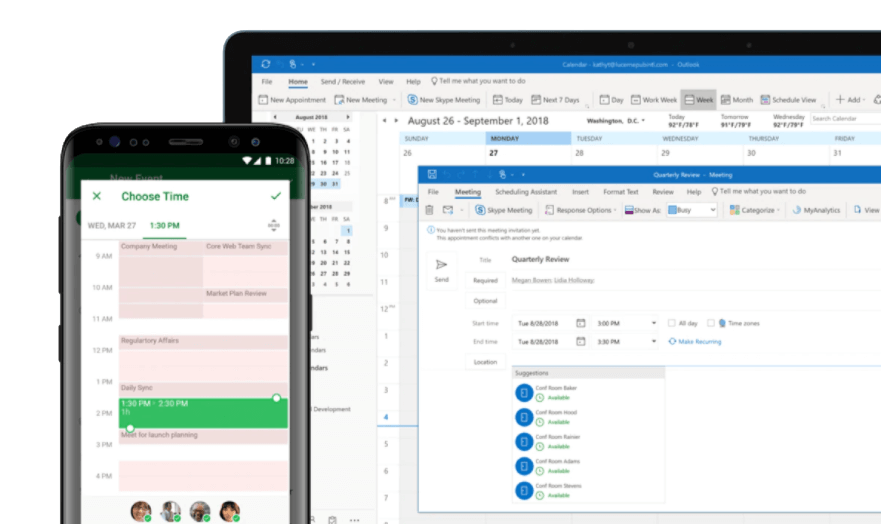
Get organised and plan ahead
Book meeting rooms and check responses to invitations directly from your calendar. Plan and coordinate commitments by sharing your calendar and checking colleagues' availability.
Reliable security
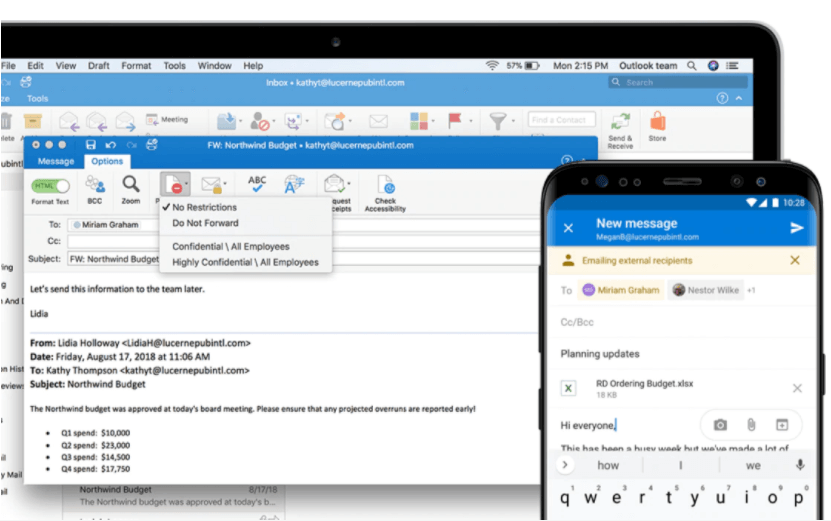
Rely with confidence on enterprise-class security features, as many of the world's largest organisations have already done. Outlook protects your confidential information 24 hours a day without hindering your work.
Intelligence at the service of productivity
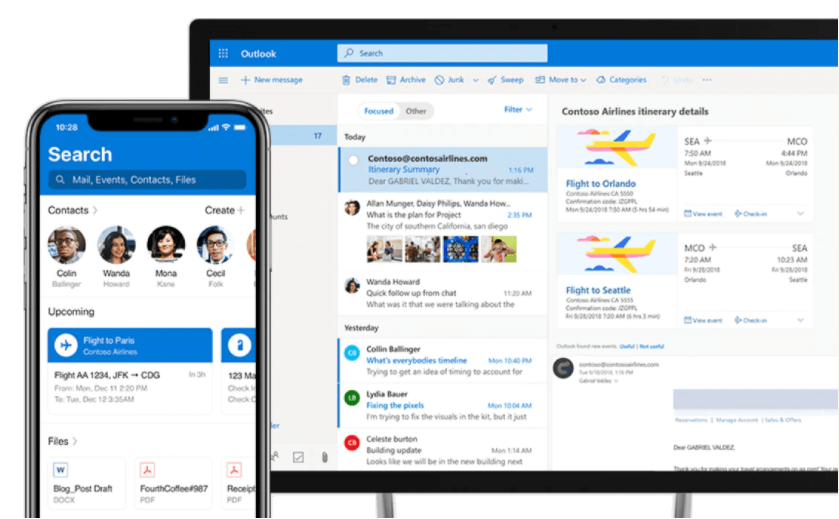
Outlook anticipates your needs. Trips and bill payments are automatically added to your calendar, while smart reminders help you keep to your commitments. With the search functionality, you can find the information you need right away.
Exchange corporate e-mail helps increase user productivity while protecting the organisation's data. It can be hosted or run on servers.
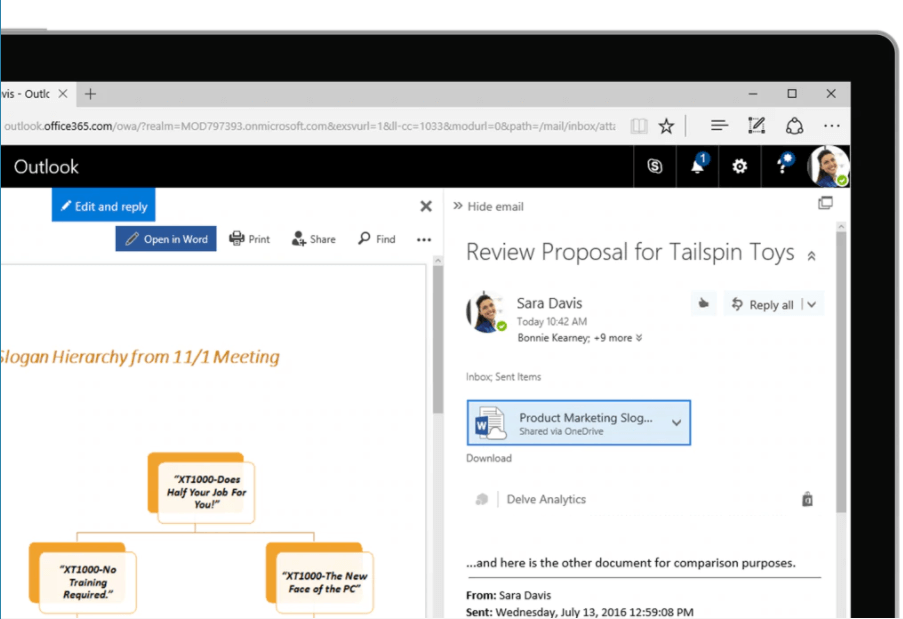
Designed to make email faster and more efficient
Microsoft Exchange has made e-mail faster and more efficient than ever. E-mails can be delivered directly to a server using Microsoft Exchange.
It manages all your e-mails.
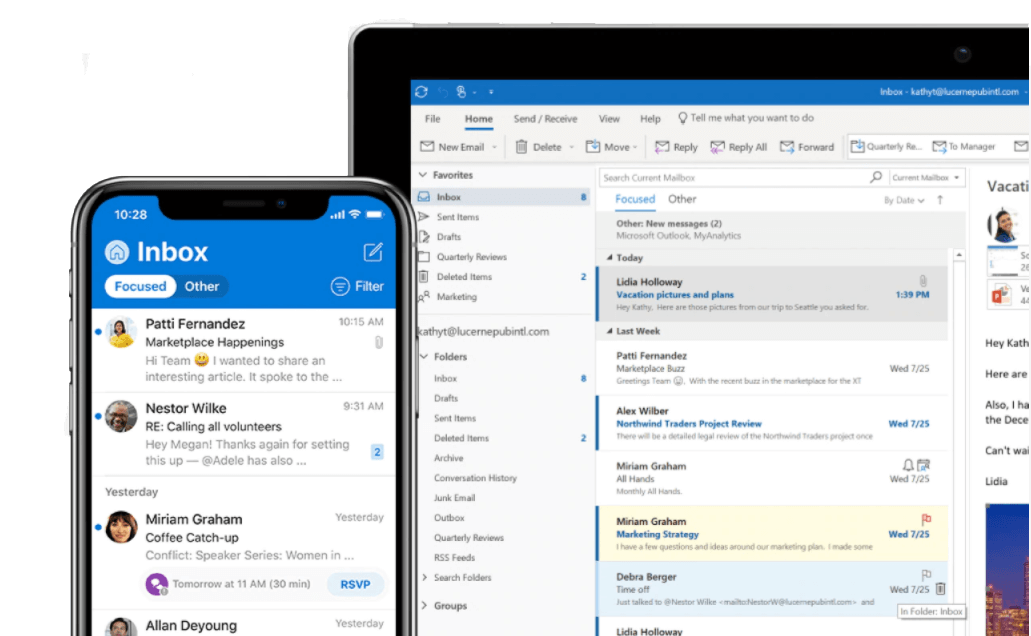
It provides an integrated system to store and manage all e-mails, messages, contacts, tasks and more in a centralised database. Microsoft Exchange is a software suite that operates on the server side providing the back-end to a centralised system for e-mails, messages, calendars and tasks. It is used to receive and store sent e-mails.
Even safer
Microsoft Exchange is hosted on a server, so it keeps e-mails confidential, making them less vulnerable to security threats such as hackers and virus attacks.
Customisable
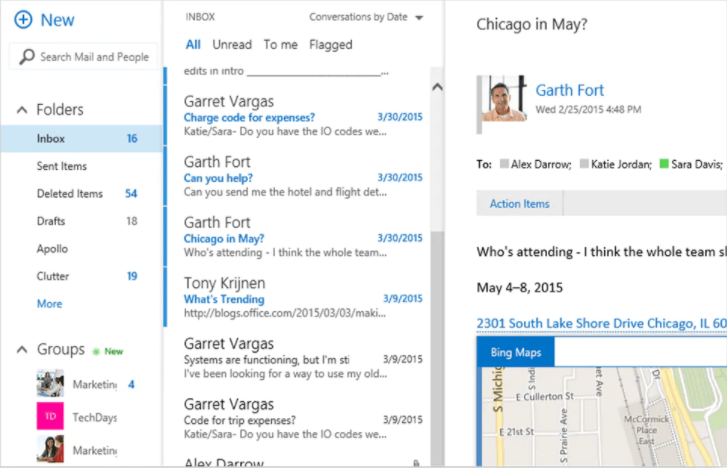
Access a personalised inbox with useful features and more efficient organisation in the way you view and interact with messages. Improvements to the search functionality ensure faster and more comprehensive results. With add-ons that connect you to modern services and internal line-of-business applications, you get high levels of customisation and extensibility.
Cloud storage
Microsoft's file storage and sharing products are designed to help you store, access, create with others and update files wherever you are, and to share them easily within and outside your organisation.


Increase your productivity wherever you are with secure file access, sharing and storage - at work, at home or on the move.

Access available everywhere
Easily store, access, and find your personal and shared work files in Microsoft 365, including Microsoft Teams, from all your devices. Changes you make offline are automatically synced the next time you connect.
Barrier-free collaboration
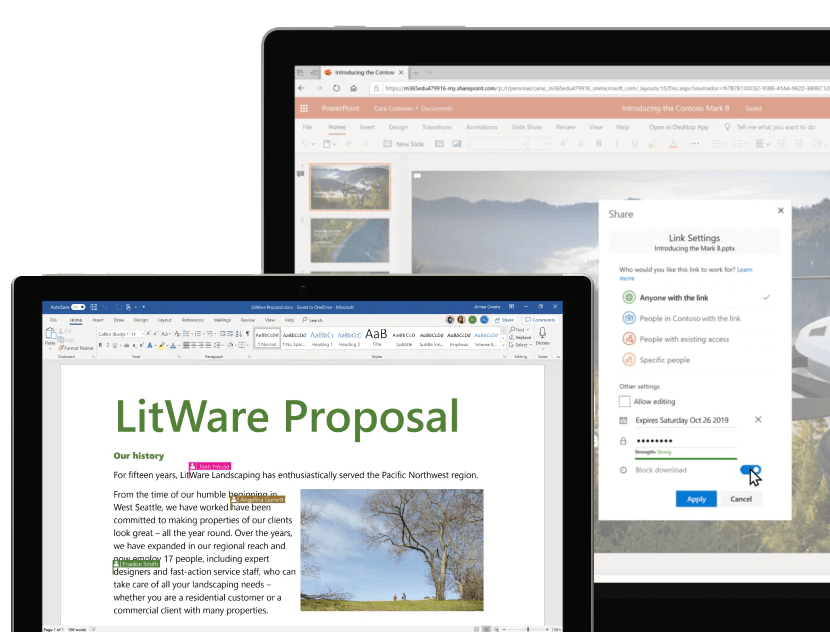
Collaborate faster and more effectively with anyone inside or outside your organisation. Securely share files and collaborate in real time using Word, Excel and PowerPoint, across the web, mobile devices and desktops.
Unhindered mobility
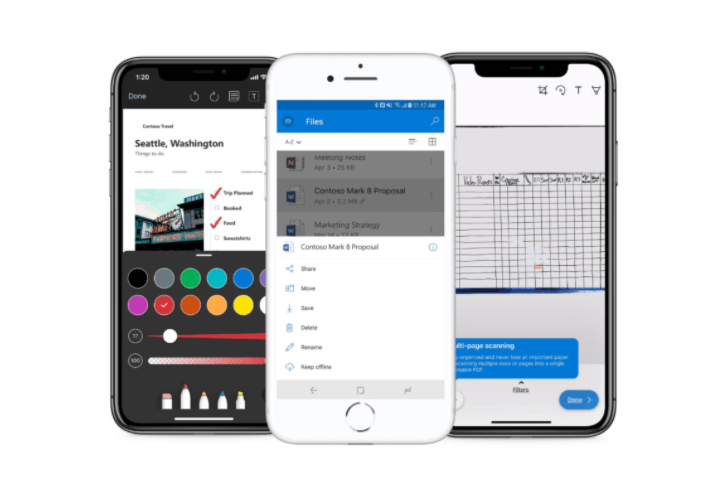
Create, view, edit and share files wherever you go with the OneDrive mobile app. Easily scan business receipts, business cards and other paper documents to keep them safe.
Security checks
Back up your files and protect them with OneDrive. You can easily recover files after accidental deletion or attack, while administrators can manage security policies to keep your information safe.

It brings together people, content and applications to simplify collaboration across the organisation.
Easy sharing and barrier-free collaboration
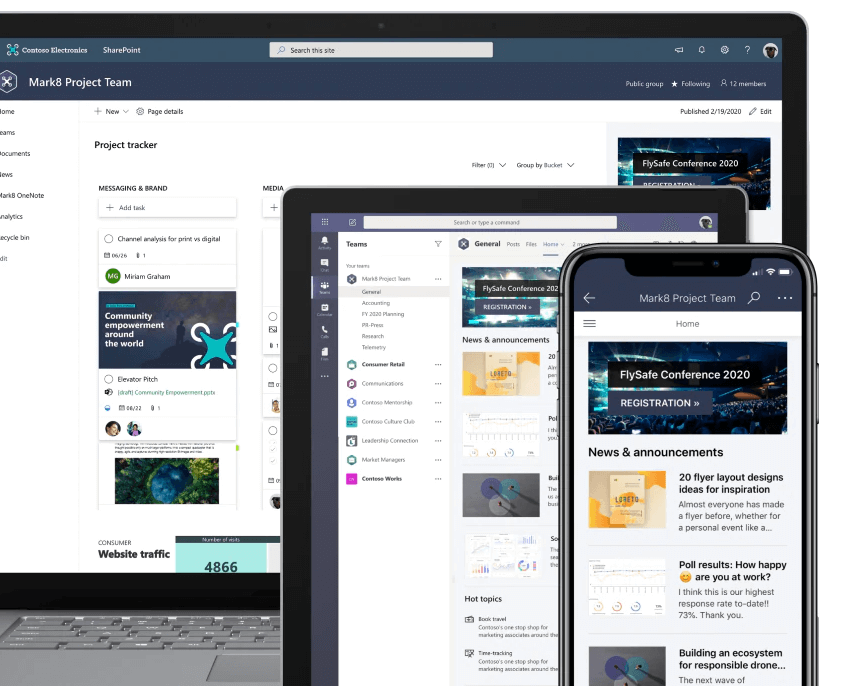
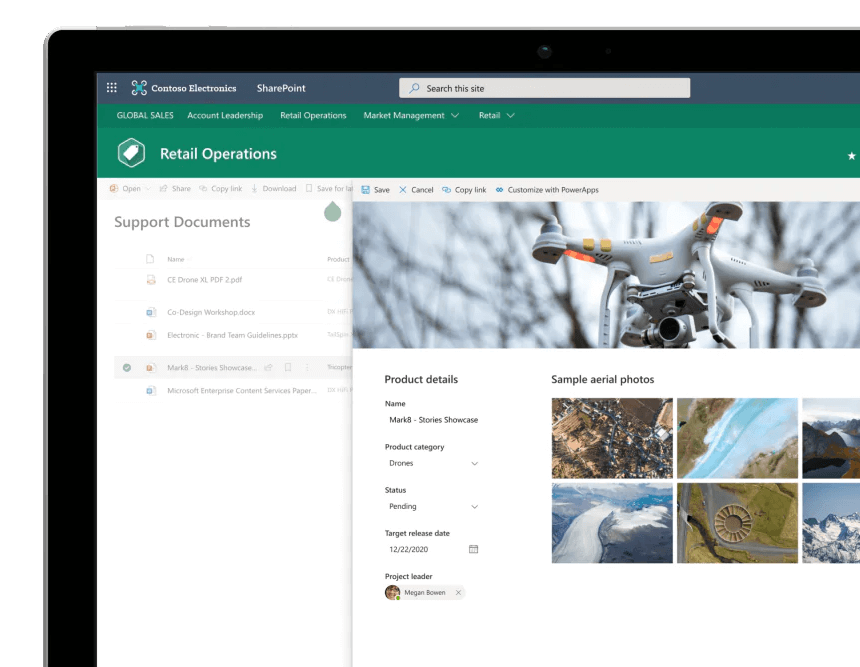
SharePoint enhances teamwork with dynamic and productive team sites for every project team, department and division. Share files, data, news and resources. Customise your site to make your team's work easier. Collaborate easily and securely with colleagues inside and outside your organisation, on PCs, Macs and mobile devices.
Involve and inform your organisation
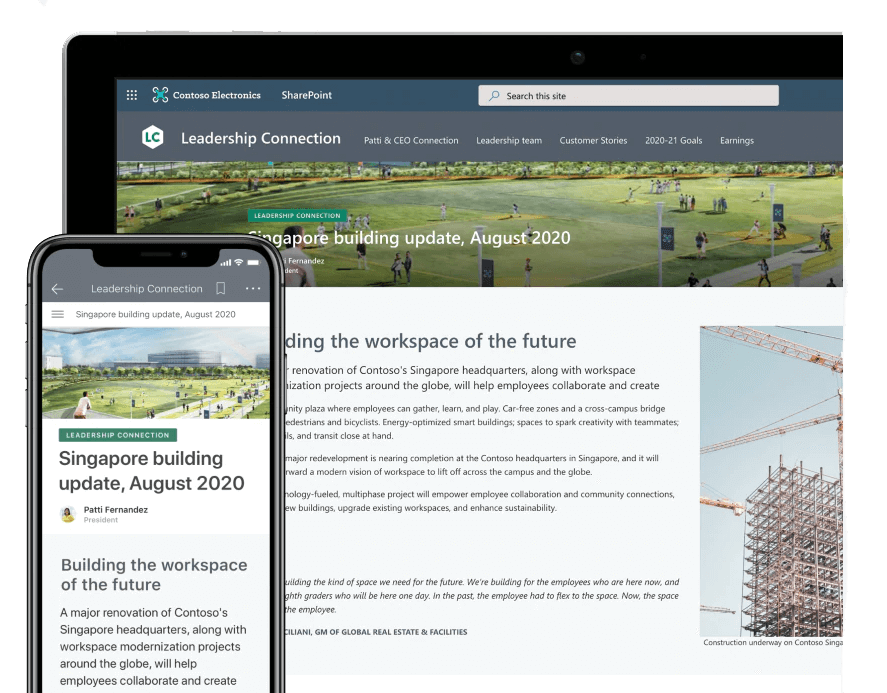
Create cohesion and inform your employees via the intranet. Boost organisational efficiency by sharing common resources and applications on key sites and portals. Get your message across with beautiful communication sites and stay informed with personalised, targeted news delivered on the web and in SharePoint mobile apps.
Exploiting collective knowledge
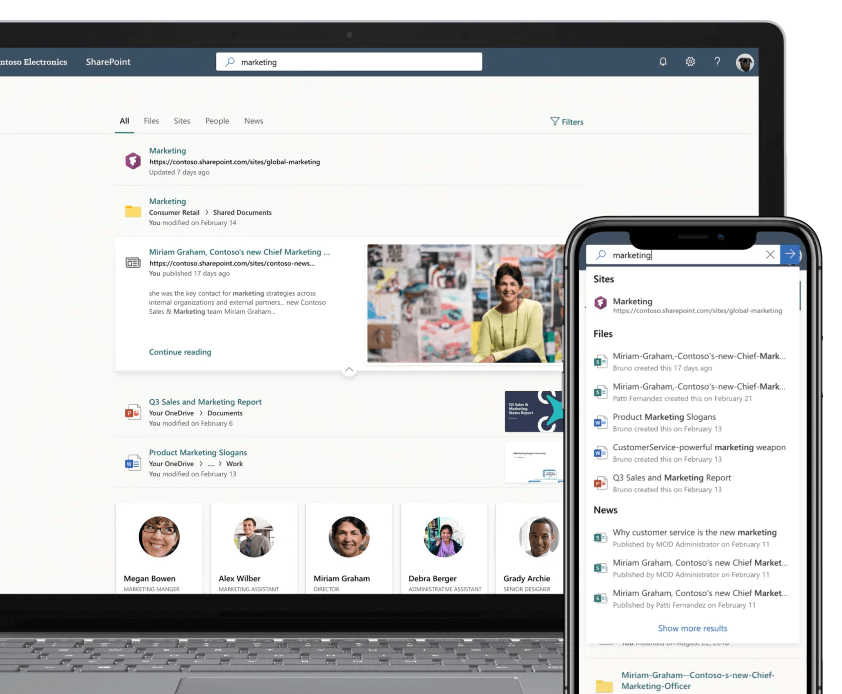
With powerful search capabilities, you can find the information, expertise and insights you're looking for at the click of a mouse, so you can make informed decisions and act accordingly. SharePoint's content management, along with the valuable contacts and conversations available through Yammer, allow your organisation to increase the speed of knowledge.
Transforming business processes
Accelerate productivity by transforming processes from simple tasks like notifications and approvals to complex operational workflows. With SharePoint lists and collections, along with Microsoft Flow and PowerApps, you can create multimedia digital experiences with forms, workflows, and apps customised for each device.
Chats, calls and meetings
Organise online meetings, make calls, chat, share files and collaborate in real time with Microsoft Teams.

Stay in touch with everyone and get organised. Collaborate and achieve more at work, at school and in your daily life with Microsoft Teams.

Videoconferencing
Make meetings more personal and increase productivity by collaborating in real time.
Screen sharing
Share the screen so that everyone can see the same content.


Personalised wallpapers and set mode
Position yourself in front of a shared digital background, giving the impression that you are in the same room with others. Create the perfect virtual environment by choosing, loading or blurring the background.
File sharing
Outlook anticipates your needs. Trips and bill payments are automatically added to your calendar, while smart reminders help you keep to your commitments. With the search functionality, you can find the information you need right away.

Protect yourself from cyber threats
Microsoft threat protection tools work together to protect email, data, devices and identities from the growing and increasingly costly risk of malware.
Reliable, enterprise-grade threat protection
With hackers launching an attack roughly every 39 seconds, you need a reliable, proven solution to protect your digital environments. The suite of threat protection technologies in Microsoft 365 safeguards your environment and provides visibility into junk mail, malware, viruses, phishing attempts, malicious links, and other threats.

Prevent, detect and respond to advanced threats
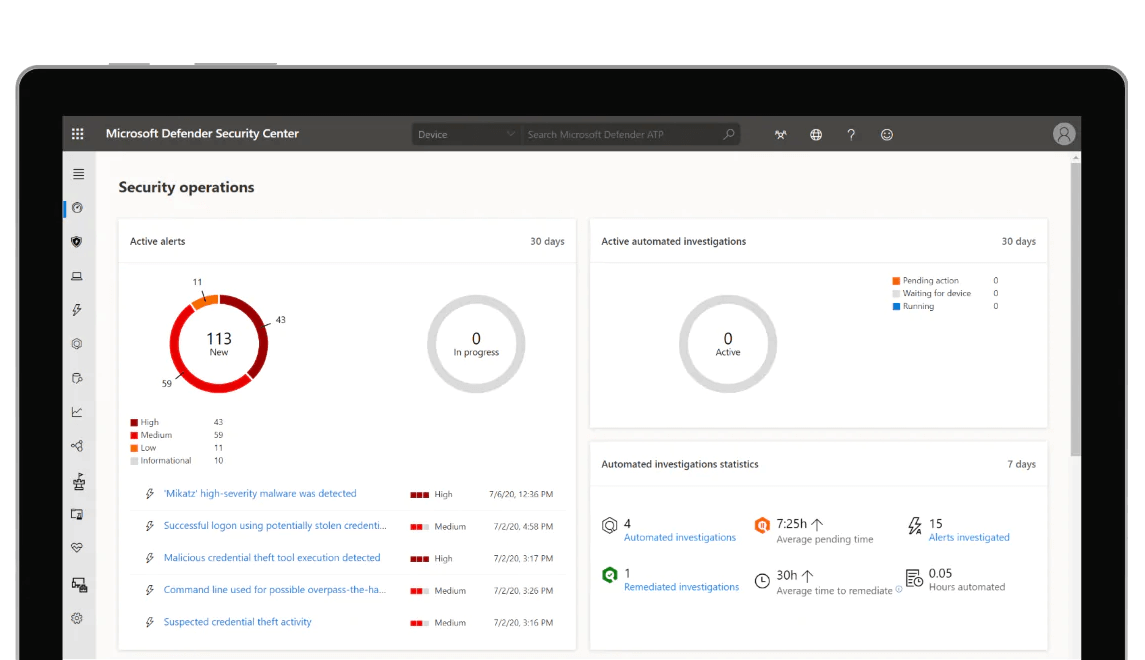
Get comprehensive endpoint protection with Microsoft Defender for Endpoints. Microsoft Defender for Endpoints protects endpoints from malware; detects advanced attacks and data breaches; automates unexpected security events; and improves your approach to security.
Defence measures against advanced e-mail threats
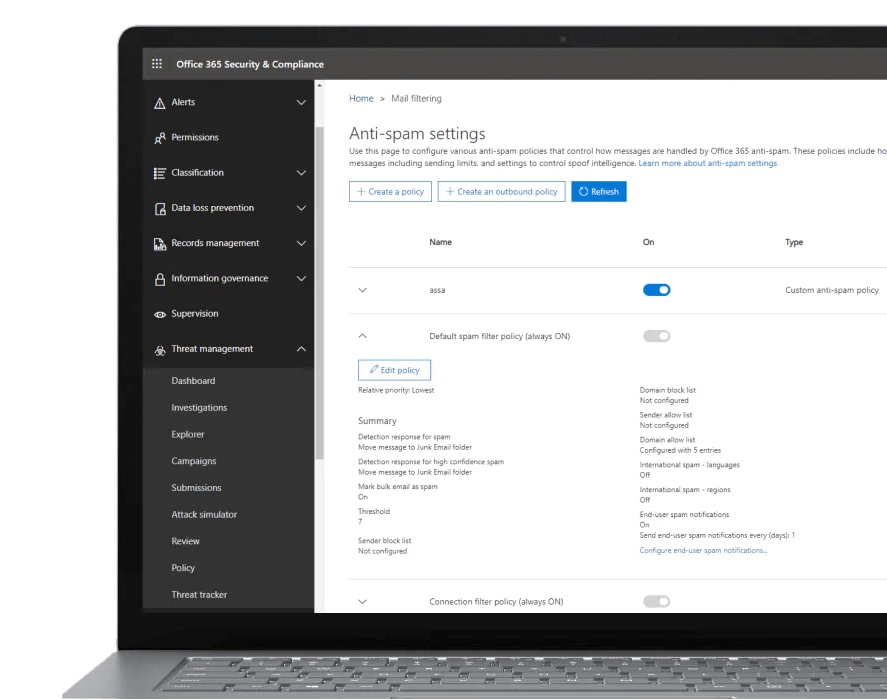
Microsoft Defender for Office 365 protects your environment from sophisticated, unknown attacks hidden in email attachments and links, and offers state-of-the-art defenses against zero-day attacks, ransomware, and other advanced malware. Detailed reporting allows you to investigate why Microsoft Defender for Office 365 reported a threat and provides important information about users who have been targeted in your organisation.

Maximum visibility and control
Identify anomalous and high-risk usage, security incidents, and evolving threats within your Microsoft 365 environment and configure detailed policies and anomaly detection controls with Microsoft Cloud App Security. Gain maximum visibility into Microsoft 365 usage and detect cloud app shadow IT incidents across your organization.
Detects and analyses advanced attacks locally and in the cloud
Microsoft Defender for Identity leverages local Active Directory signals to identify, detect, and analyze advanced threats, compromised identities, and malicious internal actions directed at your organization. Microsoft Defender for Identity provides valuable information about identity configurations and recommended best security practices to protect identities and reduce the attack surface.

Identity and access management
Simplify and secure access to devices and apps with intelligent identity and access management to increase security and productivity with Microsoft 365.
Simplify single sign-on with Azure Active Directory
Microsoft 365 uses Azure Active Directory to manage user identities behind the scenes. Enterprise plans include a free subscription to Azure AD so you can integrate it with Microsoft 365 to synchronise passwords or set up single sign-on.


Reduce the risk of security breaches and switch to passwordless access
Windows Hello for Business replaces passwords with advanced multi-factor authentication on Windows 10. Sign in via facial recognition, iris scan, fingerprint, or PIN to authenticate to apps, content, and resources without having to store a password.
Defend yourself against hackers with a smart, risk-based approach
The identity and access management solutions in Microsoft 365 Enterprise E5 provide the intelligence to detect risky access and the capabilities to enforce policies to restrict or block access based on the rules applied.

Office apps and services
Microsoft 365 gives you the tools you need to work anytime, anywhere, on any device. It's the same Office apps you've been using for years, plus the benefits of the cloud.



Improve your writing style, collaborate with anyone, anywhere, and work your way with Microsoft Word.

Turns documents into web pages
Do you need to publish a newsletter or a document to show to others? Easily turn your Word document into a web page.
Get real-time translation with just one click
Collaborate with people from all over the world. Translate documents into a foreign language with just one click.

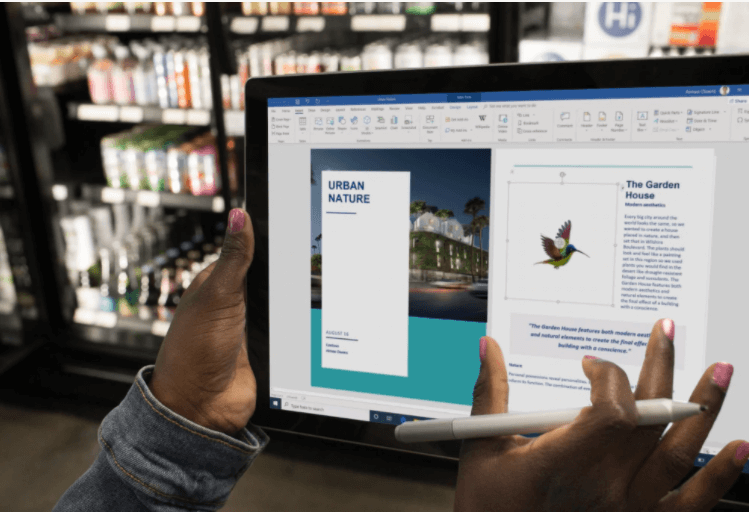
Add more dimension to your documents
Unleash your creativity by inserting 3D models directly into your book reports, non-profit presentations or other documents.
Collaborate on shared projects
It combines commonly used Office features with real-time shared creation capabilities through your browser.

It brings together people, content and applications to simplify collaboration across the organisation.

Powered by intelligence for experts and beginners
Excel learns your criteria to organise your data and save you time.Easily create spreadsheets based on templates or customise them and use modern formulas to perform calculations.
Make analogue spreadsheets digital by taking a photo
Now you can add data to Excel directly from a photo. With the Excel app, simply take a photo of the printed data table from your Android or iPhone4 device and the image is automatically converted into a fully editable Excel table. Thanks to this new image recognition feature, you no longer have to manually enter the printed data.


Collaborate more effectively
Share your workbook with others and always have access to the latest version to collaborate in real time and increase productivity. With Microsoft 365, you can work in Excel from mobile4, desktop, and web.2
Take your presentations to the next level, create them with others wherever you are and present them safely with Microsoft PowerPoint.
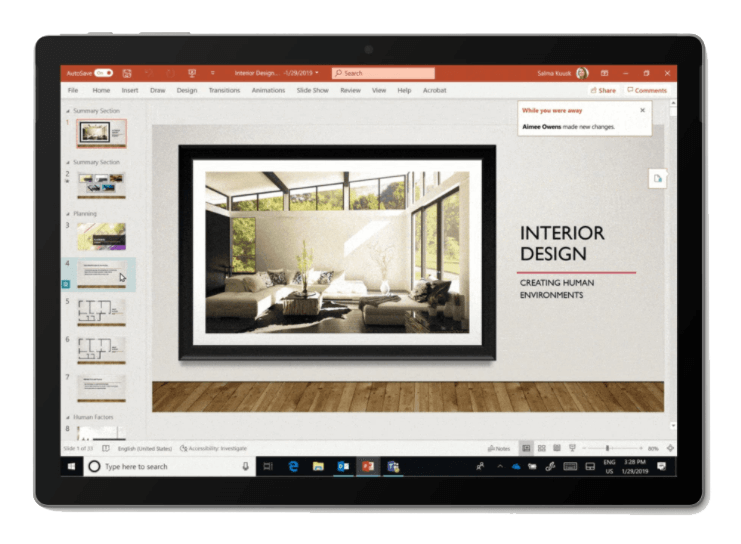
Always in tune
Always aware of where you are when editing. With the While Away feature, track recent changes made by others in your presentations.
Interact naturally by voice, touch or pen
Write on a slide, convert handwritten notes into text and make perfect shapes in seconds.

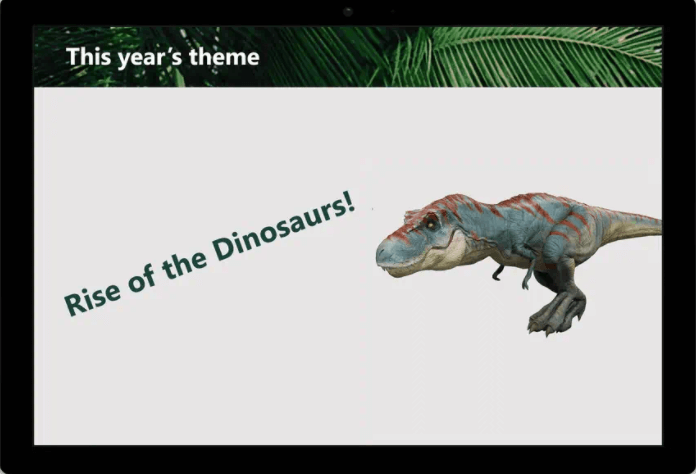
Designing slides has never been easier
Create beautifully designed and impactful slides with the help of PowerPoint Designers and Ideas.
Keep productivity high everywhere
Get the job done with productivity solutions and stay in touch with employees and customers, whether working remotely or on site.